The free Kavana app
Pick three things, park the rest, and get out of the door on time. Free, with no account.
What's inside
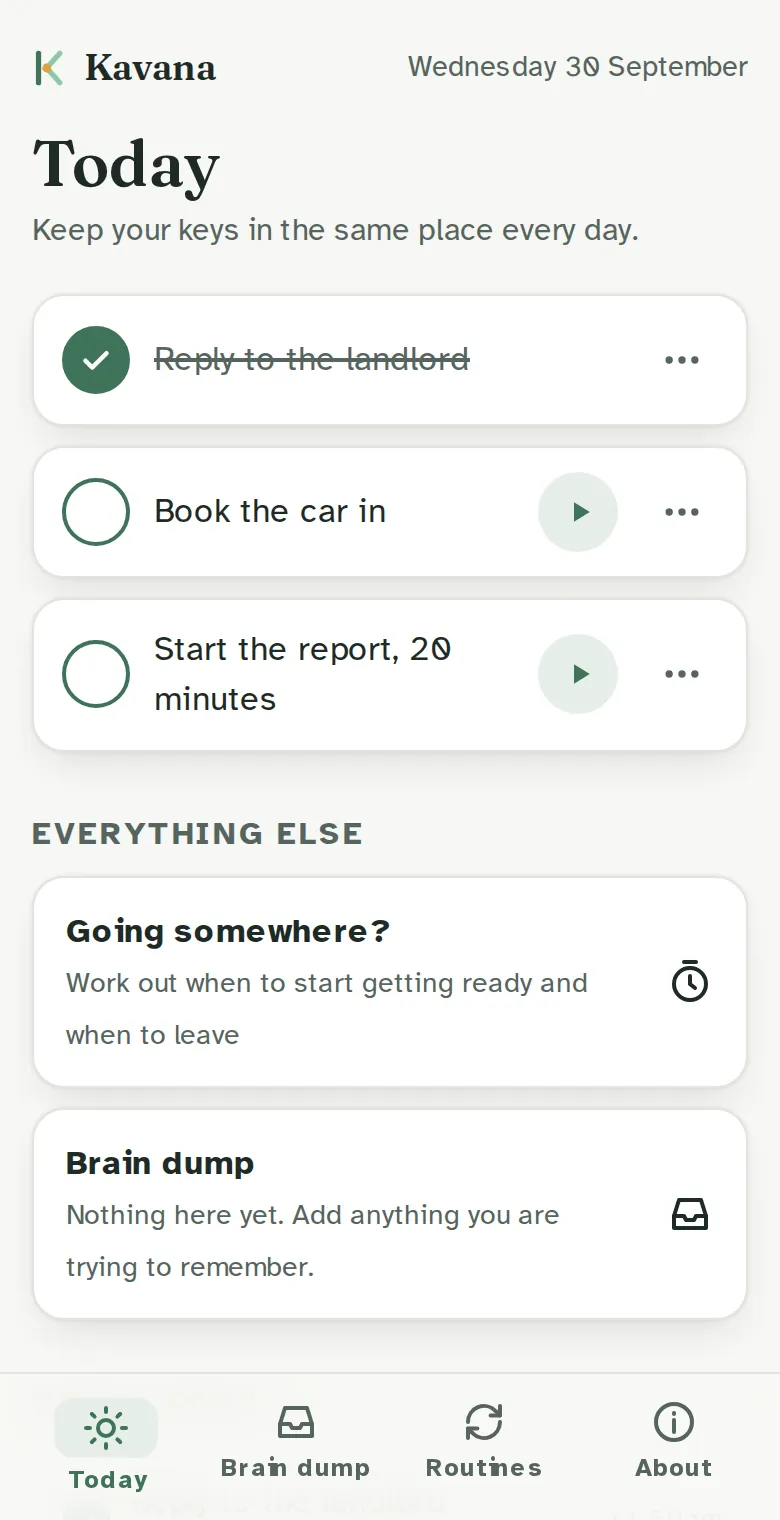
- Today's three Write down the three things that matter today, and mark the one that matters most. Each task has a timer, so starting takes one tap.
- Just start Type the one thing you want to do, pick how long, and the timer starts. Things you do often are saved, so next time it's one tap.
- Focus sounds Brown noise, soft rain or white noise while you work, and a gentle chime when time is up.
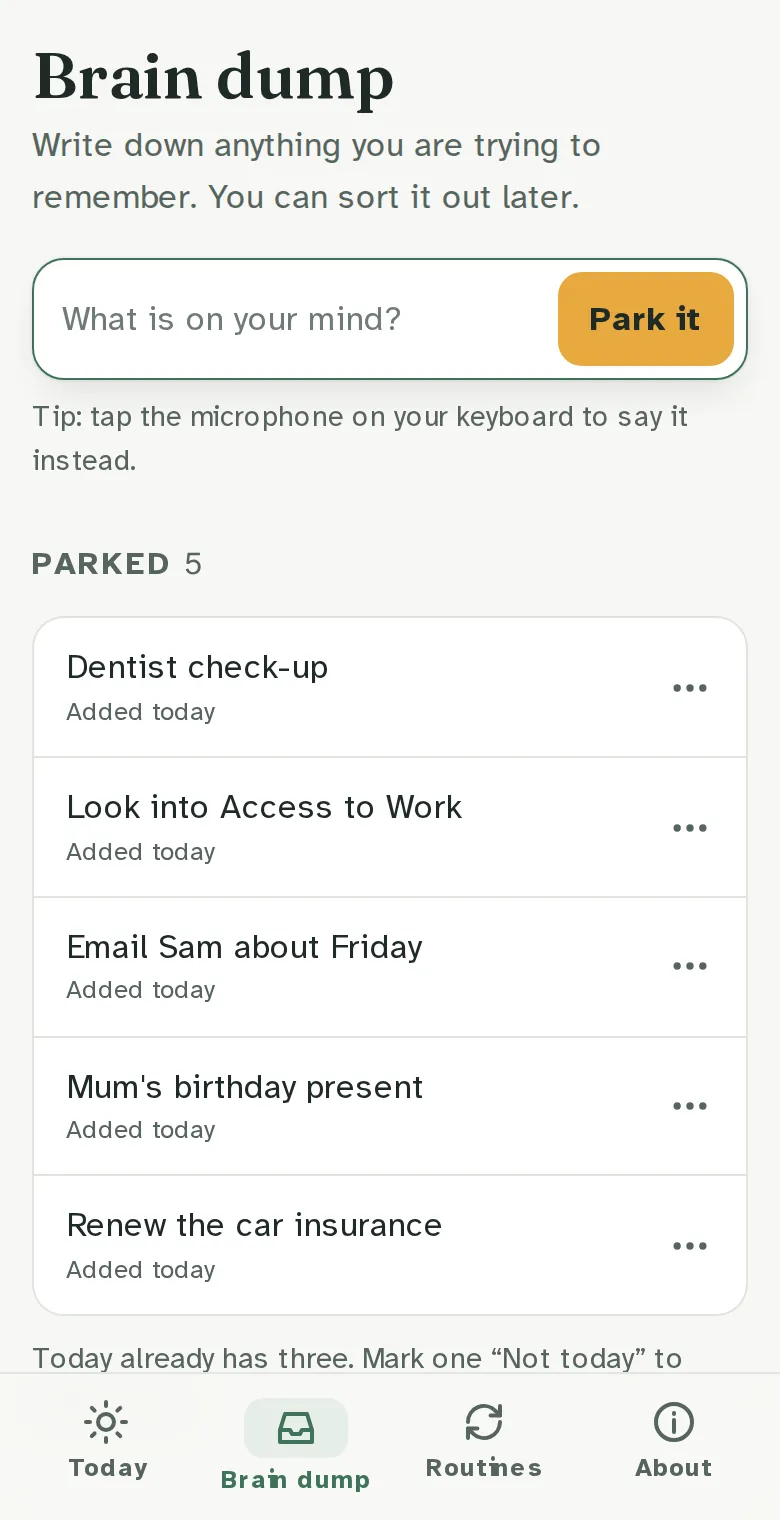
- Brain dump Everything else goes here: the birthday present, the email you keep forgetting, the insurance renewal. It's out of your head, but not lost. You can say it instead of typing.
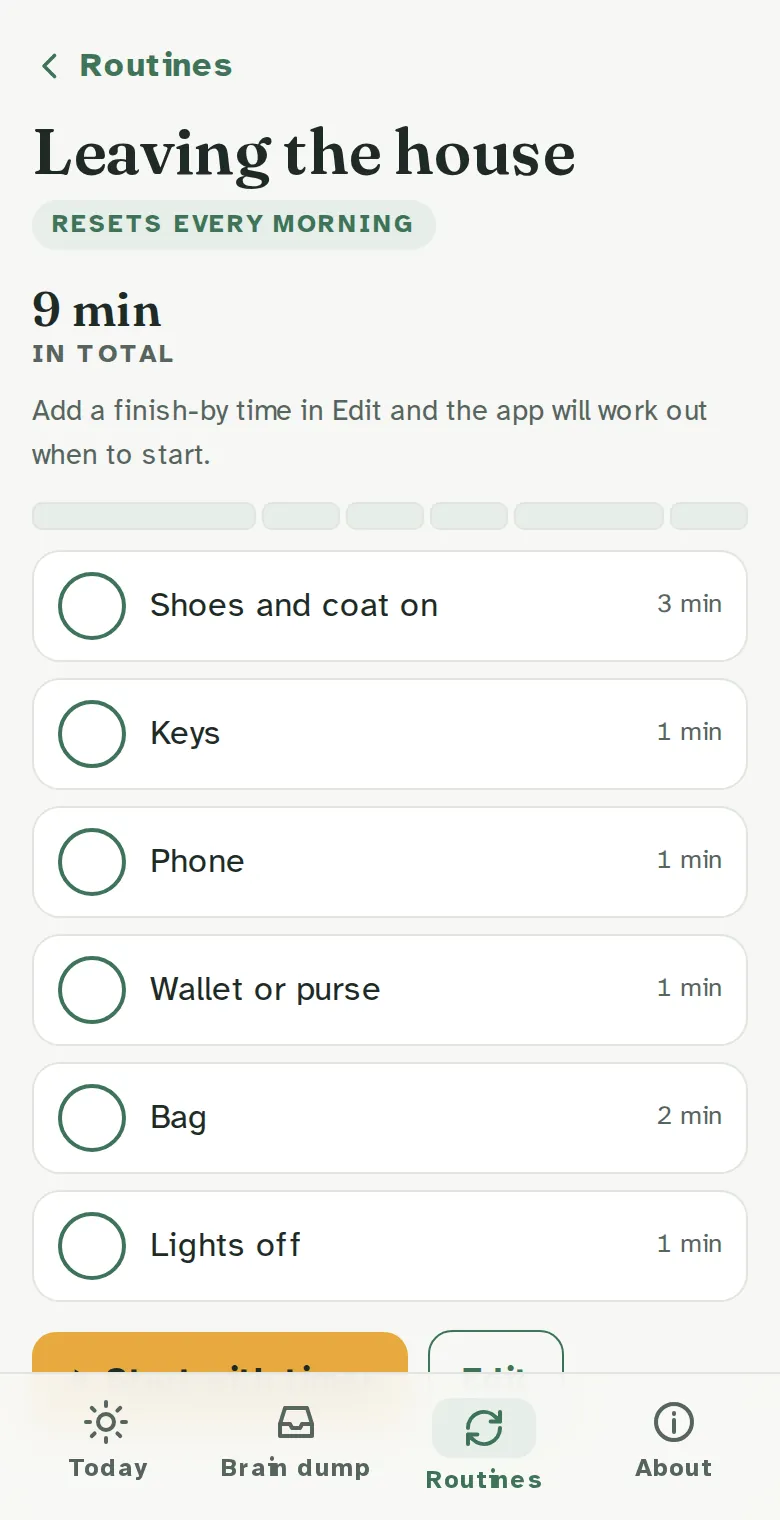
- Routines Ready-made checklists for the morning, leaving the house, bedtime and a Sunday reset. They reset themselves each day or week, show how long each step takes, and you can change every step.
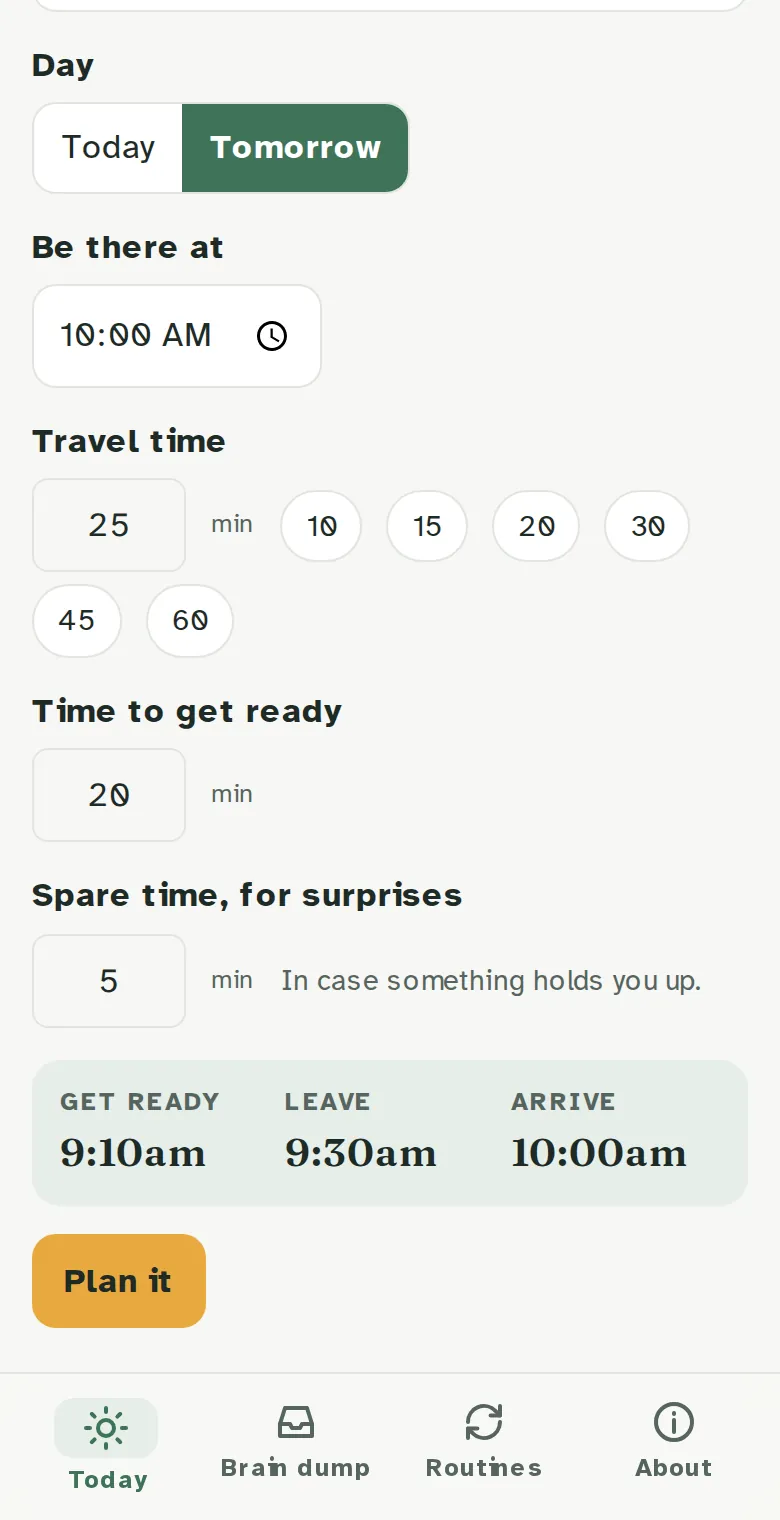
- When do I need to leave? Tell it where you're going, when you need to be there and how long the journey takes. It works out when to start getting ready and when to leave, and can add a reminder to your calendar.
- A look back at your week A two-minute review of what you got done, so a good week doesn't slip by unnoticed.
- A small tip each day One practical idea at the top of the screen, like "Keep your keys in the same place every day".
- A health log, only if you want it Off unless you turn it on. Record blood pressure, pulse and weight if your clinician asks you to, and share the readings when you choose.
Free, with no account. It opens in your browser straight away.
Questions
Is it free?
Yes. No cost, no adverts and no account.
Do I need an ADHD diagnosis?
No. It's for anyone who finds planning, starting tasks or time hard.
Where is my information kept?
Only on your phone. Nothing is sent to us. Clearing your browser data deletes it, so download a copy from About if you want a backup.
Is it a medical app?
No. It's a planner. It doesn't diagnose or give medical advice. If you need help urgently, call NHS 111, or 999 in an emergency.
Is it in the App Store or Google Play?
Not yet. Open it in your browser and add it to your home screen.